Advanced search: find books by keyword, publisher, year, genre and length
1 min read
Sometimes you don't have a book in mind, just a description: a short novel about the sea, Stoicism from a university press, a mystery from the 1930s that was made into a film. Advanced search is for those.
Where it is
Under the search box on the home page, choose Advanced search, or go straight to advanced search. Fill in as many or as few of the boxes as you like.
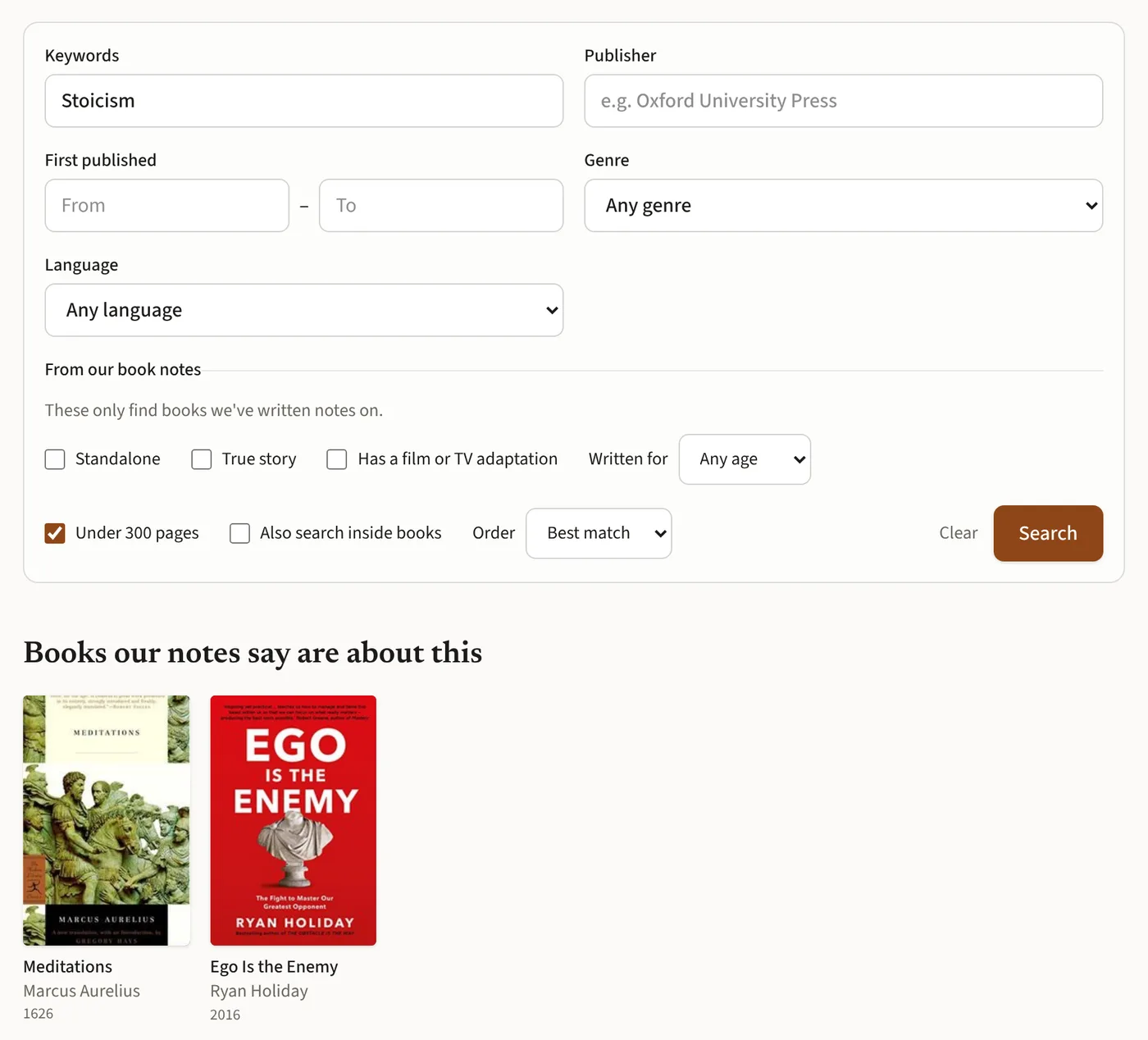
The boxes
- Keywords: anything from "dark academia" to "Tolstoy".
- Publisher: such as Oxford University Press or Penguin. A book counts when any of its editions came from that publisher, so a later reprint counts too.
- First published: a range of years, from the year the book first came out.
- Genre: any of the genres and subgenres on BookSense. A main genre, such as Fantasy (all), searches all of its subgenres.
- Language: English, Spanish or French.
- Under 300 pages, for when you want something you can finish.
Standalones, true stories and films
BookSense keeps notes on many books, written with AI once per book. Advanced search can use them to find standalones (no series to commit to), true stories, books with a film or TV adaptation, and books written for children, ages 8 to 12, teens or adults. These boxes only find books we've written notes on, and the page says so. Your keywords are matched against the notes too, so a book about Stoicism turns up even when the word isn't in its title.
Search inside books
Tick Also search inside books and your keywords are looked for in the scanned pages of library books. It finds books that mention your words, sometimes only in passing, so it's best for names, places and rare phrases.
You can sort the results by best match, oldest first or newest first. Searching doesn't call an AI, so it's quick, and if nothing matches, the page offers to search again without one of the boxes.